






-25%
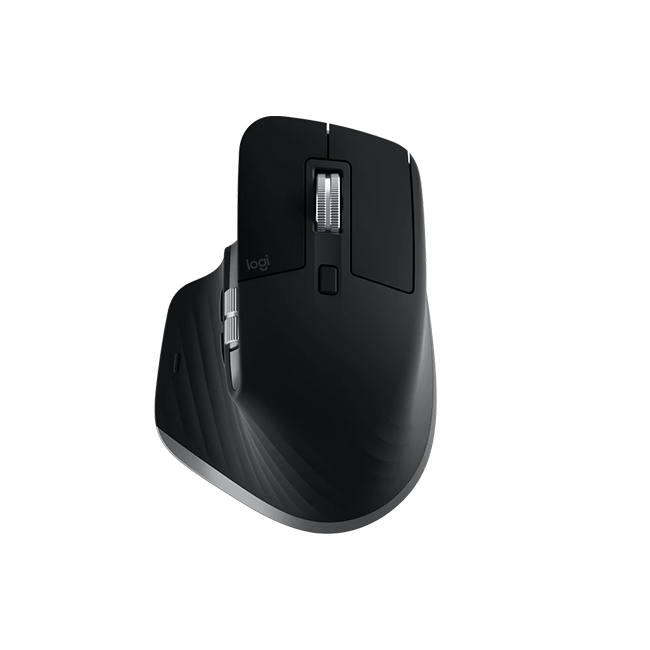
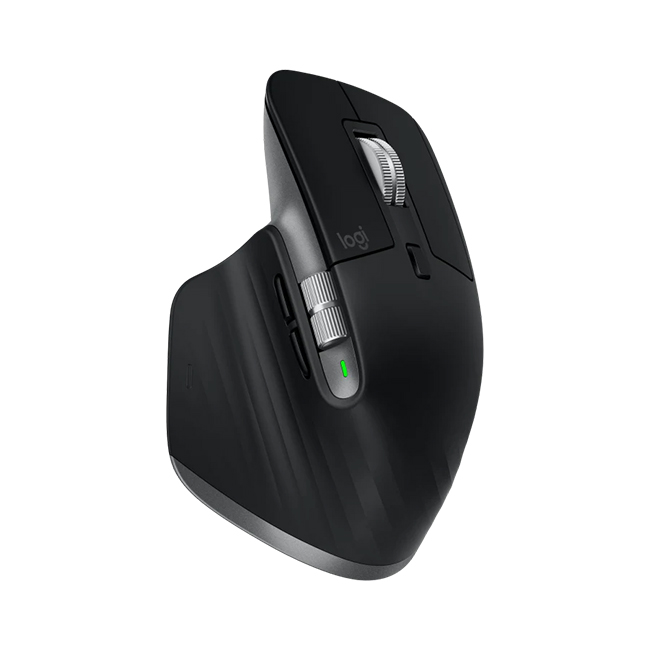
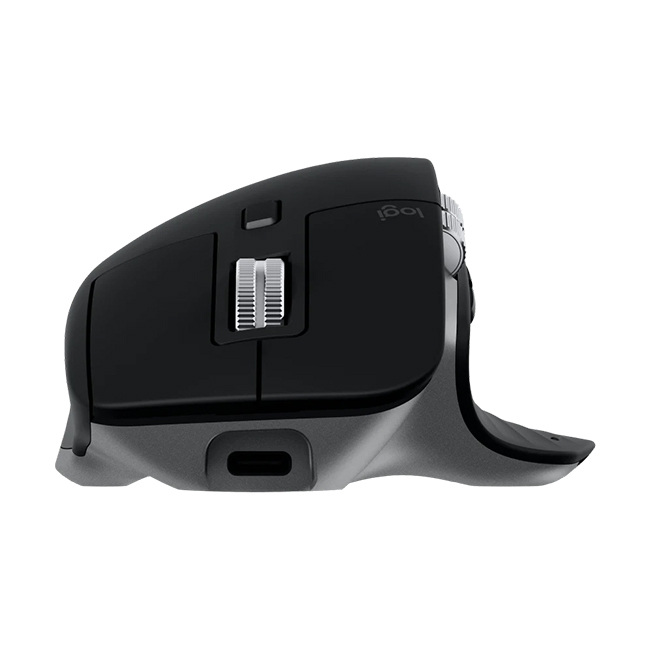
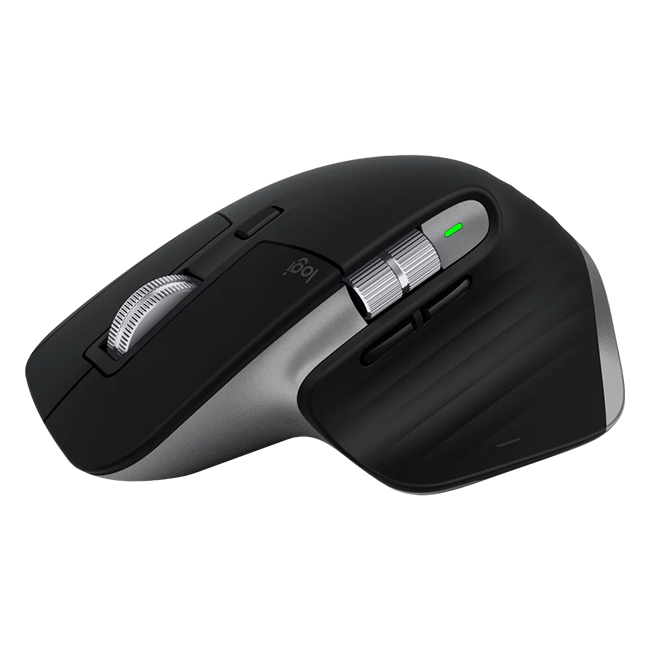
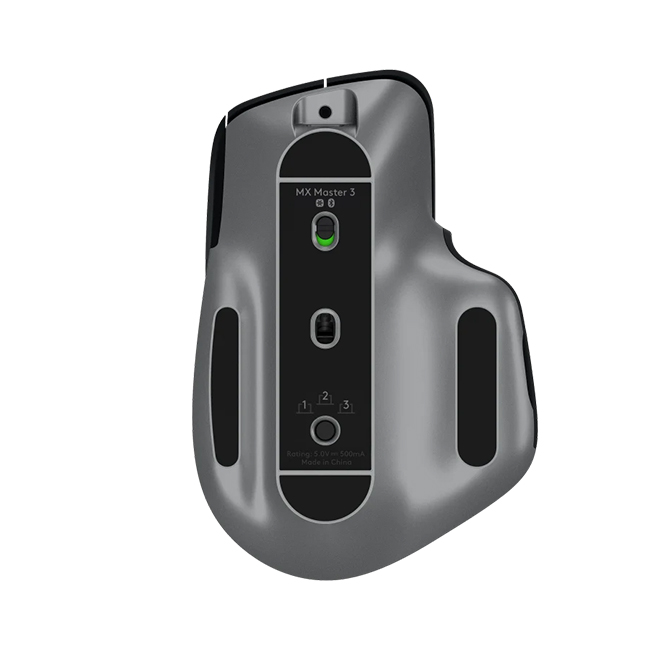
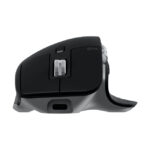
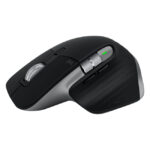
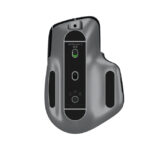
Logitech MX Master 3 Advanced Wireless Mouse for Mac
- MX Master 3 for Mac is the fastest, most precise, and most comfortable tool for digital creators.
- Electromagnetic scrolling is precise enough to stop?on the right detail every time and quick enough to scroll 1,000 lines in a second.
- The wheel?s machined steel gives it a premium tactility and enough weight to offer a dynamic inertia you feel ? but don?t hear.
- 6 Months Warranty
Rs. 29,990.00
 Rs. 29,990.00
Rs. 32,389.20
3 X Rs. 10,796.40
 Rs. 30,739.75
 Rs. 30,889.70
17
People watching this product now!
Pick up from the Toyo Store

Between 11PM to 6PM from Monday to Saturday
Same Day
Standard Courier delivery

Our courier will deliver to the specified address
2-5 Days
Toyo Express delivery

Xpress Delivery Available for Colombo 1-15 and selected suburbs only.
1-3 Days
100% Genuine Products (Authorized Seller)

Official Warranty Included

Payment Methods:

Description
Customer Reviews
You must be logged in to post a review.
Related Products

1080p VGA to HDMI Converter with Audio Cable
In stock
Rs. 2,540.00
SKU:
1080p-vga-to-hdmi-converter-with-audio-cable

11D Full Glue Tempered Glass For Samsung Galaxy A01
In stock
Rs. 990.00
SKU:
11D-Full-Glue-Tempered-Glass-For-Samsung-Galaxy-A01
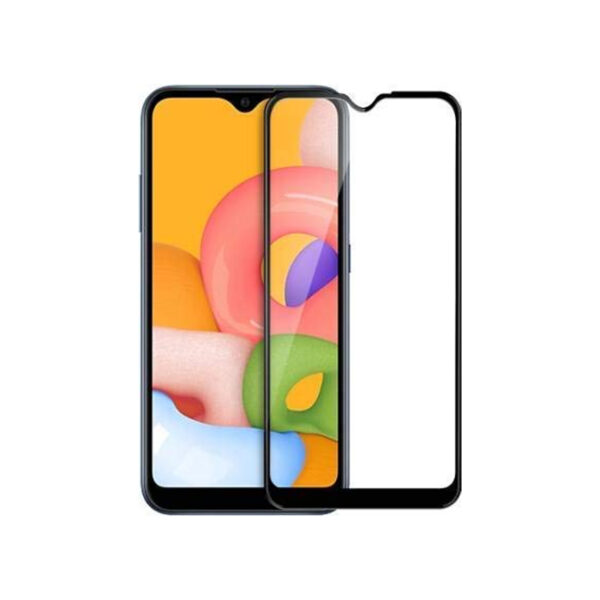
11D Full Glue Tempered Glass For Samsung Galaxy M01
In stock
Rs. 990.00
SKU:
11D-Full-Glue-Tempered-Glass-For-Samsung-Galaxy-M01

11D Full Glue Tempered Glass For Samsung Galaxy M20
In stock
Rs. 990.00
SKU:
11D-Full-Glue-Tempered-Glass-For-Samsung-Galaxy-M01-1


15W 5-in-1 Magnetic Wireless Charger
Out of stock
Rs. 9,000.00
Select options
This product has multiple variants. The options may be chosen on the product page
SKU:
15W-5-in-1-Magnetic-Wireless-Charger
Reviews
Clear filtersThere are no reviews yet.