





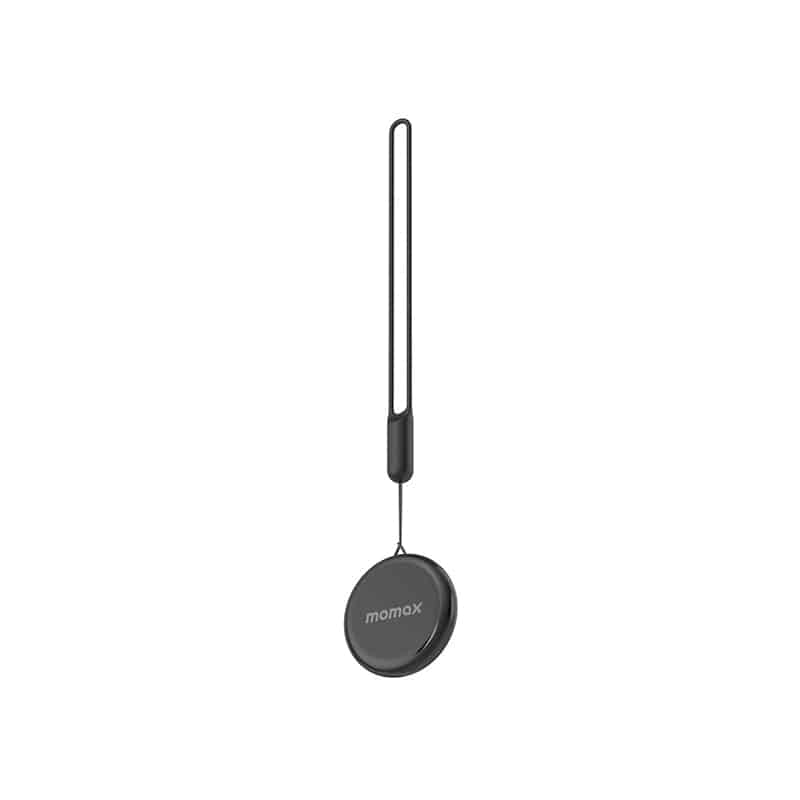
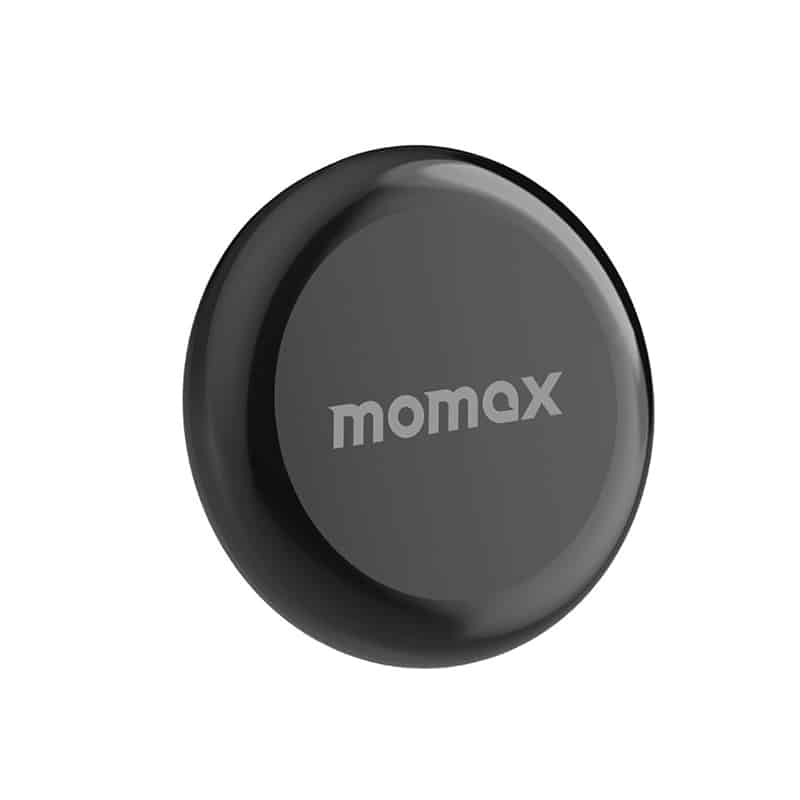
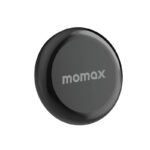

Momax BR7 Pinpop Find My Tracker

- IP66 waterproof and shower resistant
- Easy to use
- Outstanding, more wonderful
- Free to Bind for Apple devices
- Accurate positioning
- 6 Months Warranty
Rs. 4,700.00
 Rs. 4,700.00
 Rs. 4,817.50
  Rs. 4,841.00
 Pick up from the Toyo Store

Between 11PM to 6PM from Monday to Saturday
Same Day
Standard Courier delivery

Our courier will deliver to the specified address
2-5 Days
Toyo Express delivery

Xpress Delivery Available for Colombo 1-15 and selected suburbs only.
1-3 Days
100% Genuine Products (Authorized Seller)

Official Warranty Included

Payment Methods:

Description
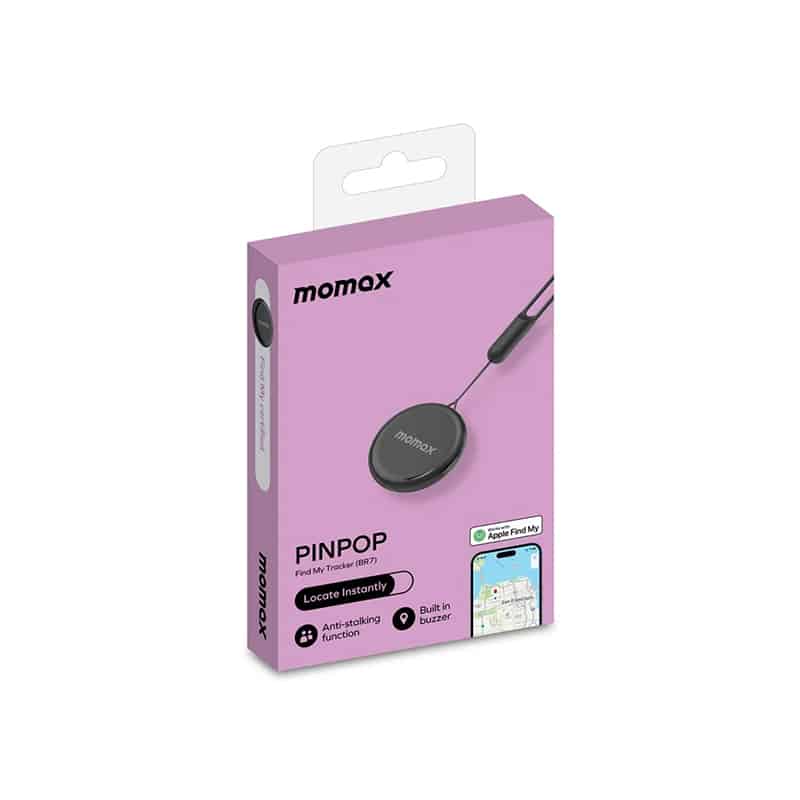
Momax BR7 Pinpop Find My Tracker
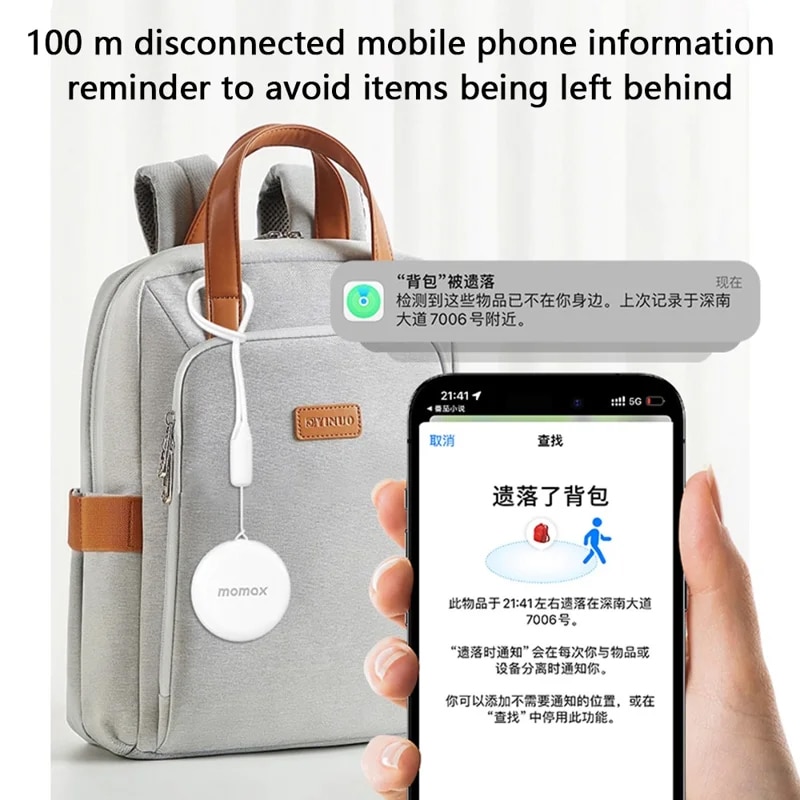
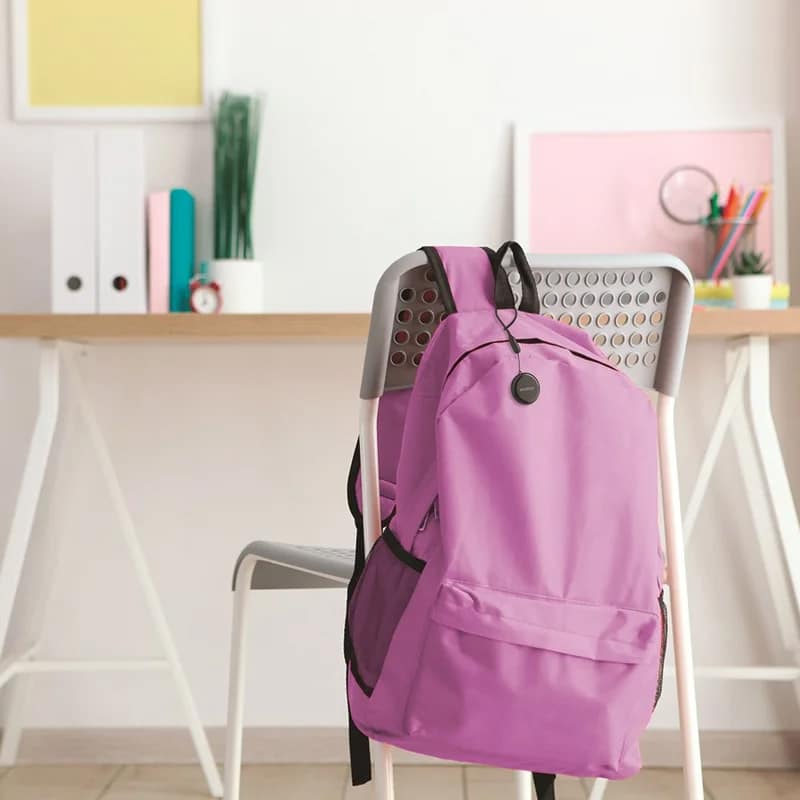
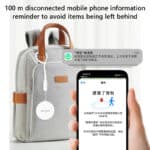
If you forget to take your bag, you will be reminded by the sound: When you go out for shopping or afternoon tea, you can put one in your bag, and then you will be reminded by your cell phone 100 meters away so that you can avoid losing your things
Where is the car parked, a key to find and identify the location: Forgot to park the car, open the “Find” App, iPhone can use the precise search function, guiding you step by step to find the location of its parking
Accurate positioning, not afraid of getting lost: An iPhone can be connected to 16 PINPOP, support for re-customizing the name and expression, decentralized travel better management, wherever you go can be displayed on the APP
Location guidance, find things more convenient: Lost items, APP accurately locks the last appearance of the location so that the items can be traced
IP66 waterproof and shower resistant: Excellent waterproof ability, no fear of rain and wet
Unlimited distance, global accurate finding: Relying on the Find My network, as long as there is an for Apple device (for iPhone/for iPad/for Mac) in the vicinity, you can find the location of the item globally, and your privacy is always protected during the whole process
Easy to use: No need to download the app, you can connect to it through the “Find” app that comes with your for Apple device
Outstanding, more wonderful: Comes with a silicone lanyard, hang it on different items as you like
Free to Bind for Apple devices: Support iPhone/iPad/Mac multiple devices online at the same time, check your bound objects at any time
Device Wireless Connection Steps:
Open the “Find” app on your Apple device.
Select “Items” and click “+”.
Select “Other Supported Items”.
The words “Searching for items” will appear.
After you find the device, press the next step of the APP to add it successfully.
Customer Reviews
Related Products

Lattafa Hayati Gold Elixir Eau de Parfum
In stock
Swiss Arabian Shaghaf Oud Royale Eau de Parfum
In stock
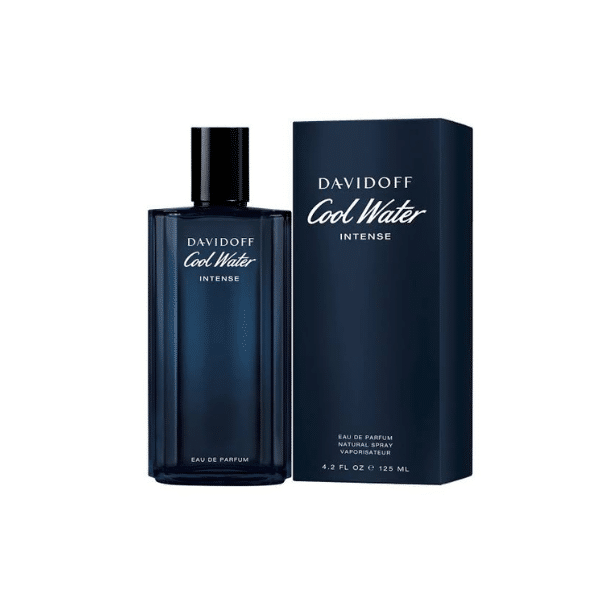
Davidoff Cool Water Intense Eau de Parfum 125ml
In stock
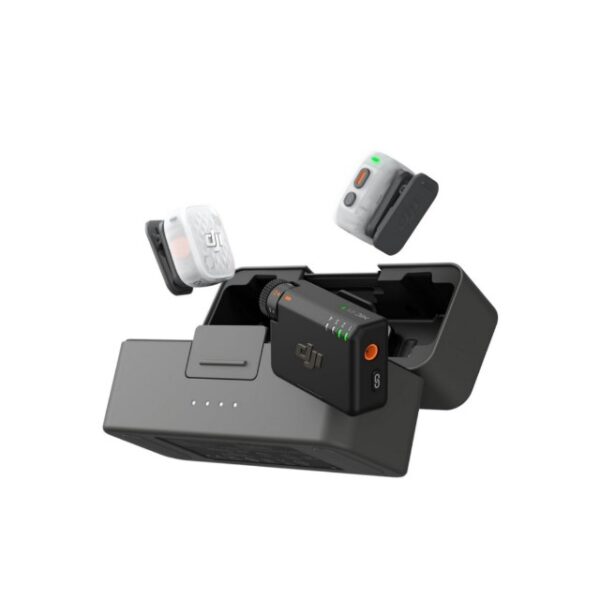
DJI Mic Mini 2S Wireless Microphone Sans Fil (2 TX+1 RX+ Charging Case)
In stock
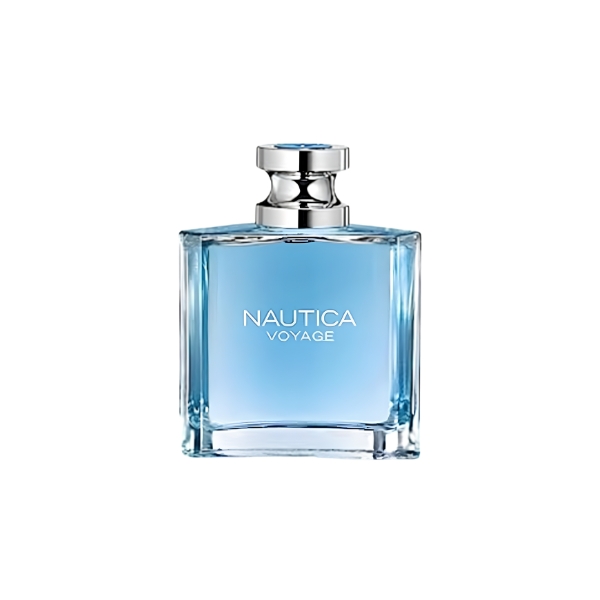
Nautica Voyage EDT 100ml
In stock
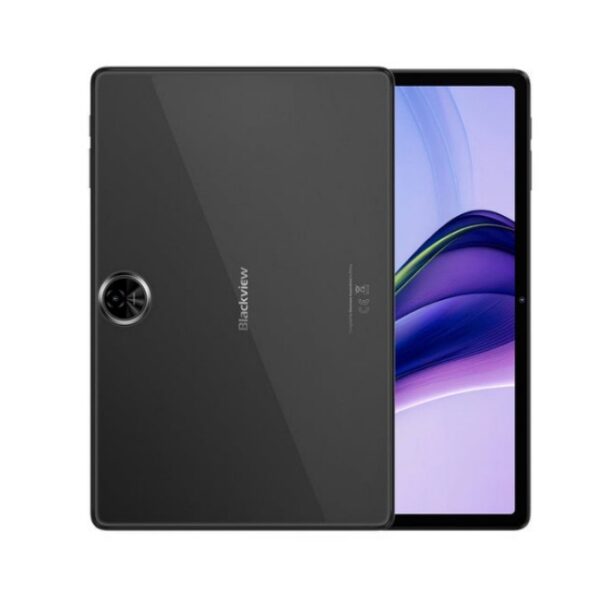
Blackview Zeno 5 8GB RAM 128GB With Free Keyboard, Back Cover, Tempered Glass, Mouse, Passive Stylus and Handsfree
In stock