





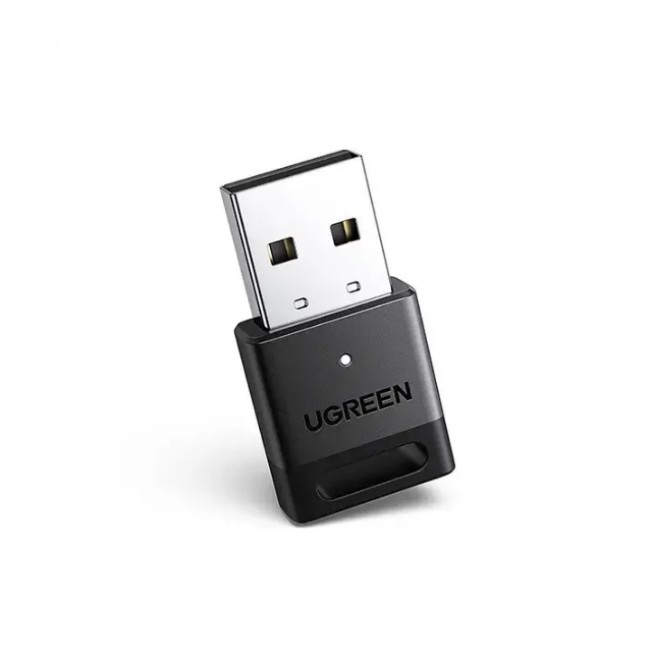
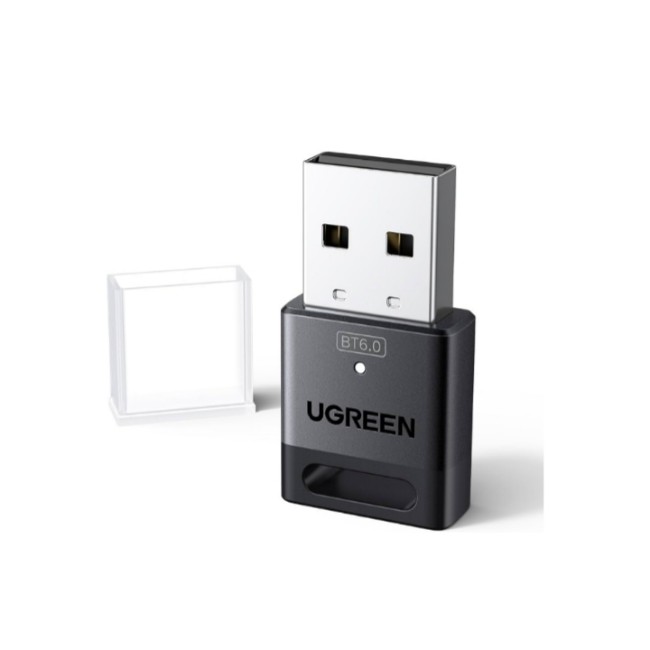
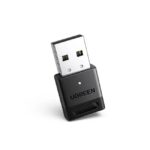
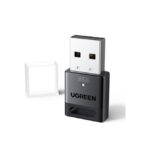
UGREEN 45134 Bluetooth 5.4 USB Adapter Dongle for PC

- High-Fidelity Audio
- Up to 5 Devices Sync Connected
- Plug and Play
- 1 Year Warranty
Rs. 2,490.00
 Rs. 2,490.00
 Rs. 2,552.25
  Rs. 2,564.70
 Pick up from the Toyo Store

Between 11PM to 6PM from Monday to Saturday
Same Day
Standard Courier delivery

Our courier will deliver to the specified address
2-5 Days
Toyo Express delivery

Xpress Delivery Available for Colombo 1-15 and selected suburbs only.
1-3 Days
100% Genuine Products (Authorized Seller)

Official Warranty Included

Payment Methods:

Description
UGREEN 45134 Bluetooth 5.4 USB Adapter Dongle for PC
High-Fidelity Audio: UGREEN USB Bluetooth Adapter is equipped with the latest Bluetooth 5.4 technology, optimizing the transmission delay and connection defect problems of the old Bluetooth 5.0. Our Bluetooth 5.4 adapter will bring you a faster, more stable, and smarter connection with less sound quality loss
Up to 5 Devices Sync Connected: UGREEN Bluetooth dongle for PC supports up to 5 different types of Bluetooth devices to be connected at the same time without interfering with each other, such as Bluetooth mouse/keyboard/mobile phone/headphones, etc. If Bluetooth audio devices of the same type (such as speakers/headphones) are connected, only one device can play music
Plug and Play: The Bluetooth adapter is developed for Windows systems only and does not support other systems. No driver installation is required under Windows 11/10/8.1. Windows 8/7, Linux, and MacOS are not supported
Mini Size: An extremely compact Bluetooth stick that you can leave on your laptop or PC without removing it.The compact size does not interfere with other USB ports. Convenient to carry, no space occupation
Note: 1. It can not be used directly on PS3, PS4, PS5, Switch, or Xbox Console; but it works with Game Controllers. 2. It’s not compatible with TV or Car. 3. Apple’s iPhone series does not support transferring files between devices via Bluetooth
What Can I do if the Bluetooth adapter can not work?: Ensure there are no other Bluetooth devices installed on the computer. If there are, disable all existing Bluetooth devices in “Device Manager”, then insert the adapter and try again. (For detailed information please read the user manual)
NOTE: If the product experiences lag when pairing with Bluetooth headphones or a mouse, it is recommended that you check for potential signal obstructions or interference. You can try switching to a different USB port on the front of the computer or unplugging the wireless mouse receiver or any USB 3.0 storage devices near the current port to see if that improves the situation
Customer Reviews
Related Products

Lattafa Hayati Gold Elixir Eau de Parfum
In stock
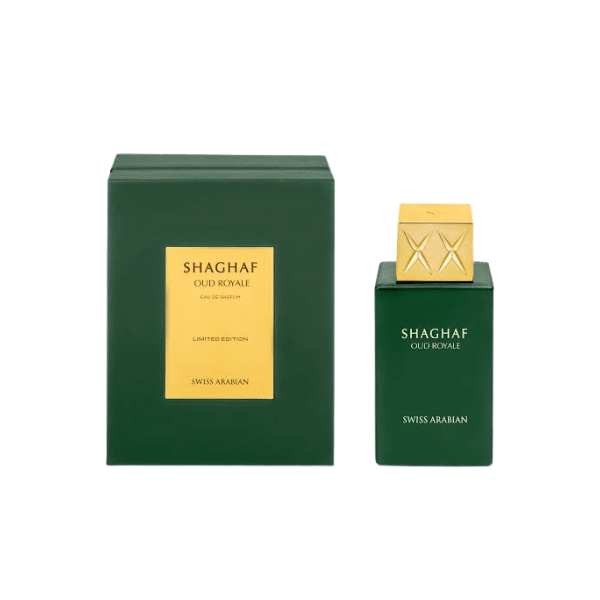
Swiss Arabian Shaghaf Oud Royale Eau de Parfum
In stock
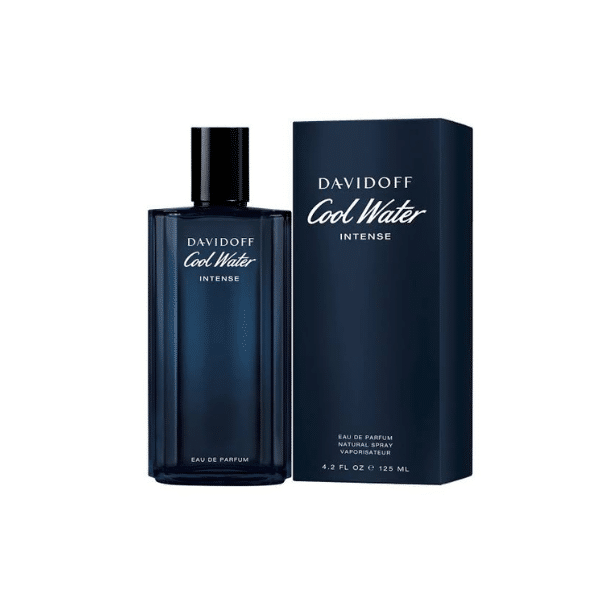
Davidoff Cool Water Intense Eau de Parfum 125ml
In stock
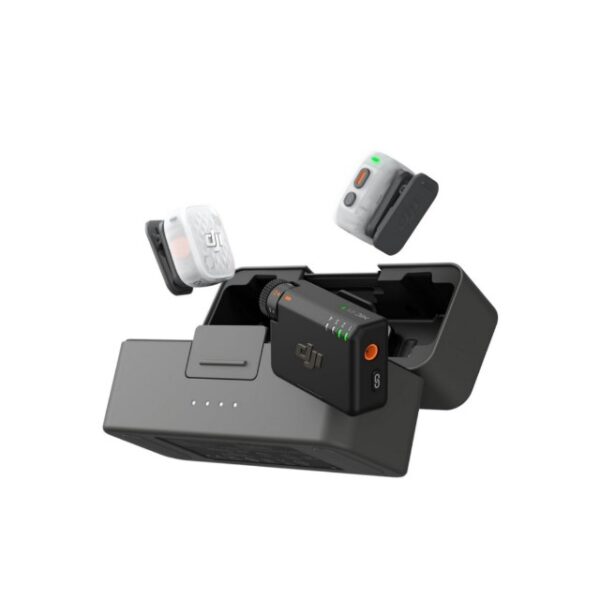
DJI Mic Mini 2S Wireless Microphone Sans Fil (2 TX+1 RX+ Charging Case)
In stock
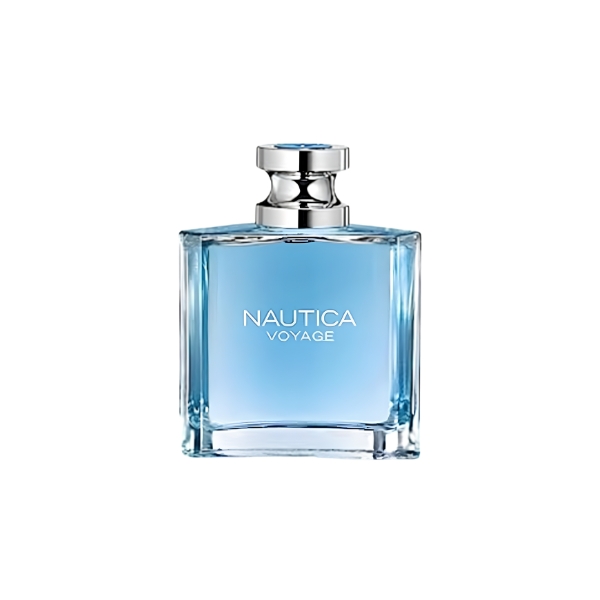
Nautica Voyage EDT 100ml
In stock
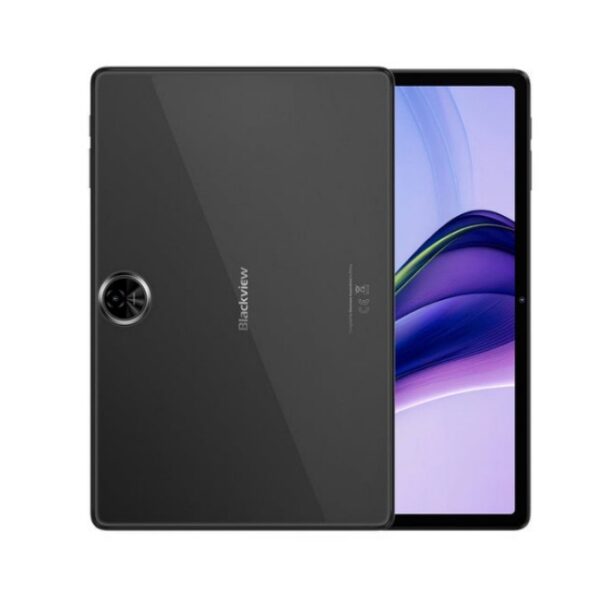
Blackview Zeno 5 8GB RAM 128GB With Free Keyboard, Back Cover, Tempered Glass, Mouse, Passive Stylus and Handsfree
In stock